Translations
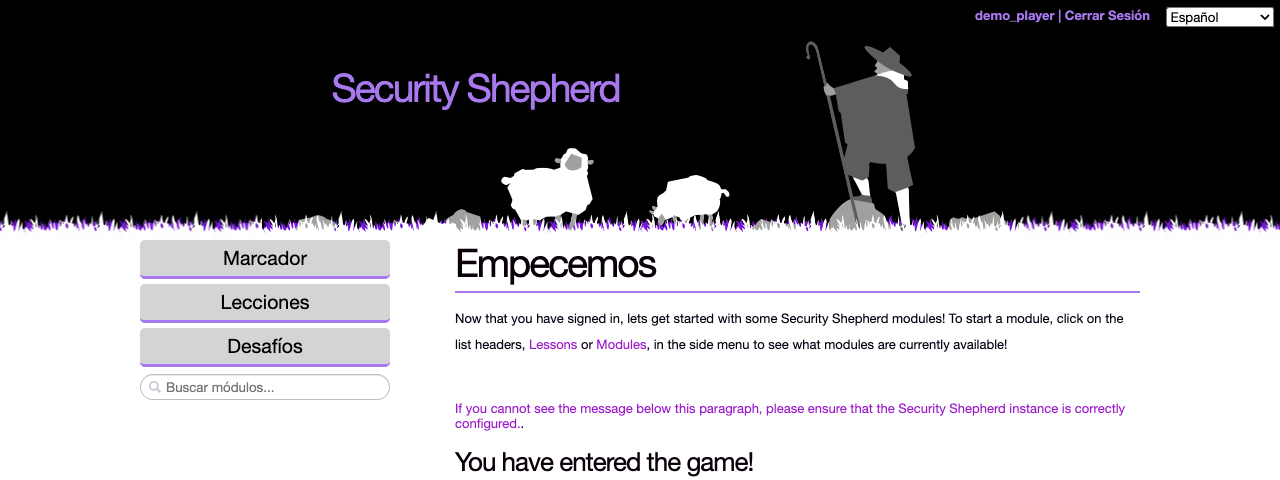
Security Shepherd's menus and pages are available in eight languages. This page explains how a language is chosen, how much is translated, and how to add a language.
Choosing a language
The menu at the top right of every page, including the login page, sets the language:
| Language | Code |
|---|---|
| English | en |
| Español | es |
| Français | fr |
| Português | pt |
| Gaeilge | ga |
| 中文 | zh |
| Hindi (Hinglish) | hi |
| Русский | ru |
Until a player picks one, Security Shepherd uses their browser's language, if it's one of these. The choice lasts until they log out or close the browser.
What's translated
- The menus and the platform's pages, such as the login, start and scoreboard pages, are translated into every language in the menu.
- Levels are translated in part, and how much varies by language. Chinese has the most, then Irish, Russian and Spanish. Everything that isn't translated is shown in English.
There's no setting to turn translations off. The enableTranslations setting in the database isn't used.
Adding or improving a translation
The text is in src/main/resources/i18n/, in Java properties files. Each English file, such as text.properties, has a translated copy per language, named with the language code: text_es.properties, text_ga.properties and so on. The levels' text is in the folders under i18n/, by topic.
- To improve a translation, edit the language's copy of the file and open a pull request against
dev, as described in Development workflow. - To translate more of a level, copy the English file, add the language code to its name, and translate the values. Keep the keys and any HTML as they are.
- To add a new language, translate
text.propertiesand add the language to the menu insrc/main/webapp/translation-select.jsp. The wiki page Adding a new Language to Shepherd has more detail. It was written for 3.1 and is being updated.